
From the patient account screen, click “Create New Claim.”
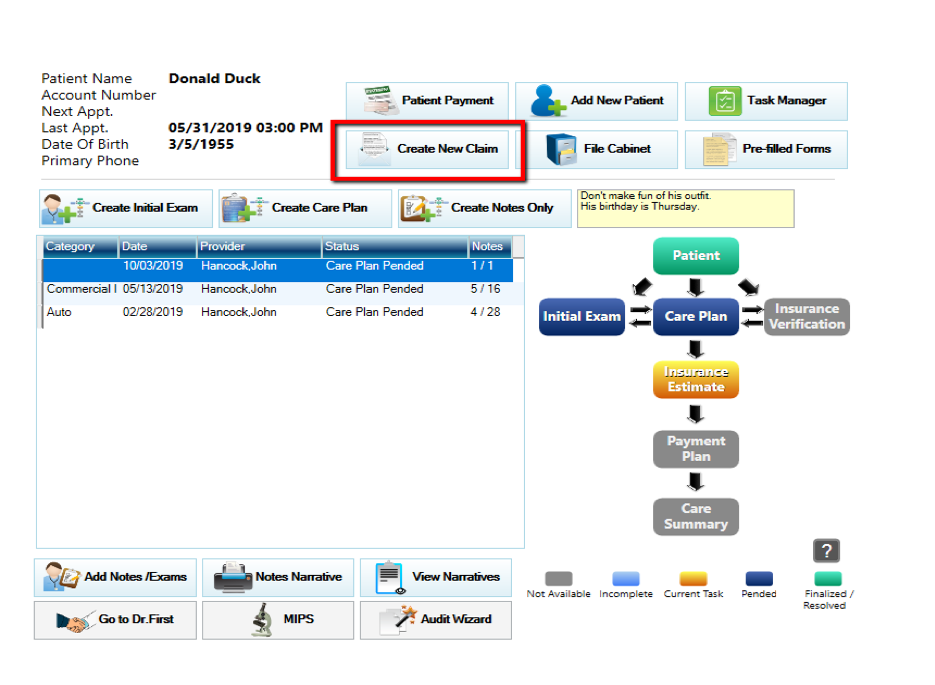
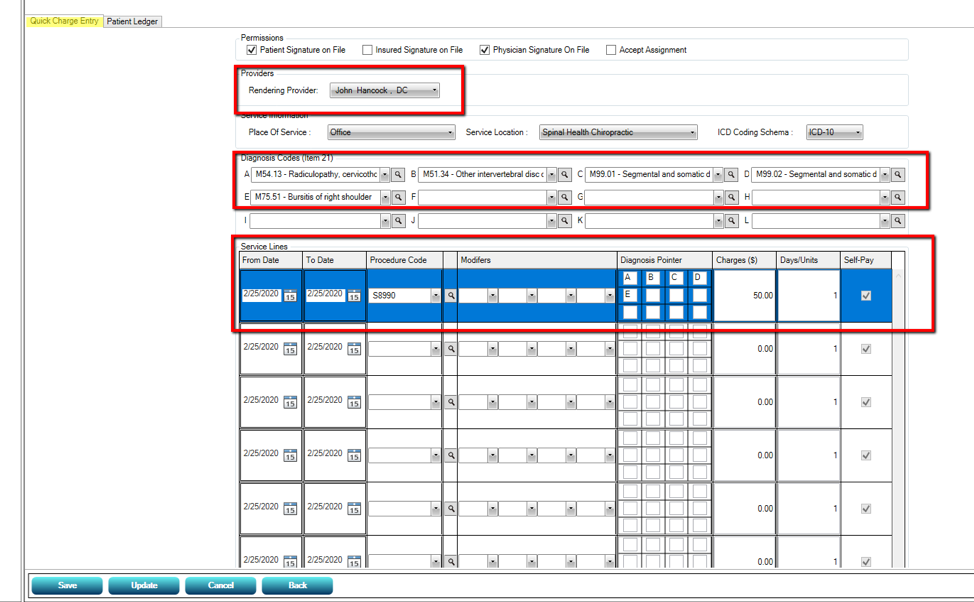
This will take you to the Quick Charge Entry screen where you will fill in the rendering provider, diagnosis codes, date of service and procedures.
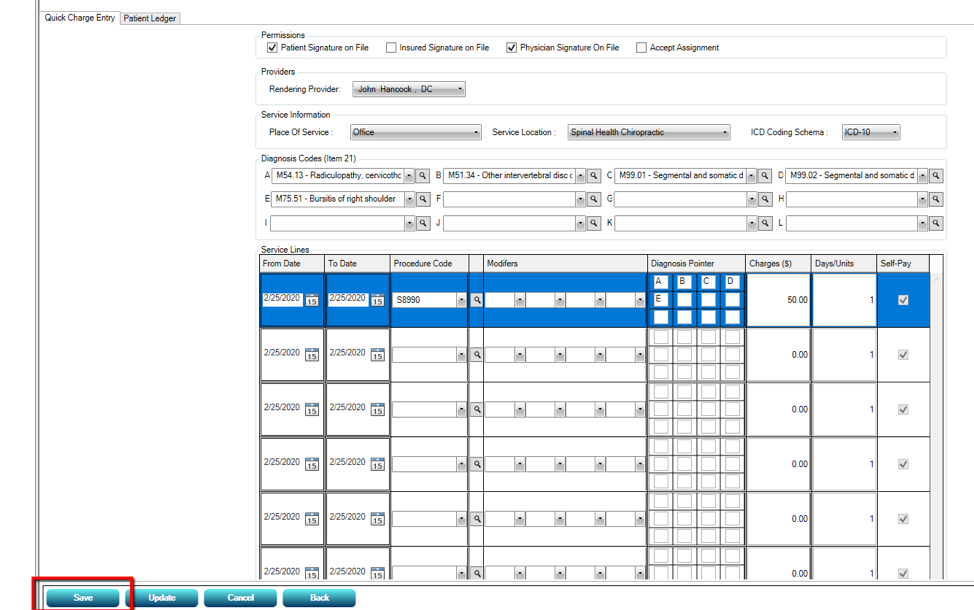
The claim will generate after you click “Save
Generating Secondary Claims
Secondary Claims generate after you post the primary insurance payment and clicking save. A button will appear that says “Bill to Secondary.” When you click the button, the claim generates.
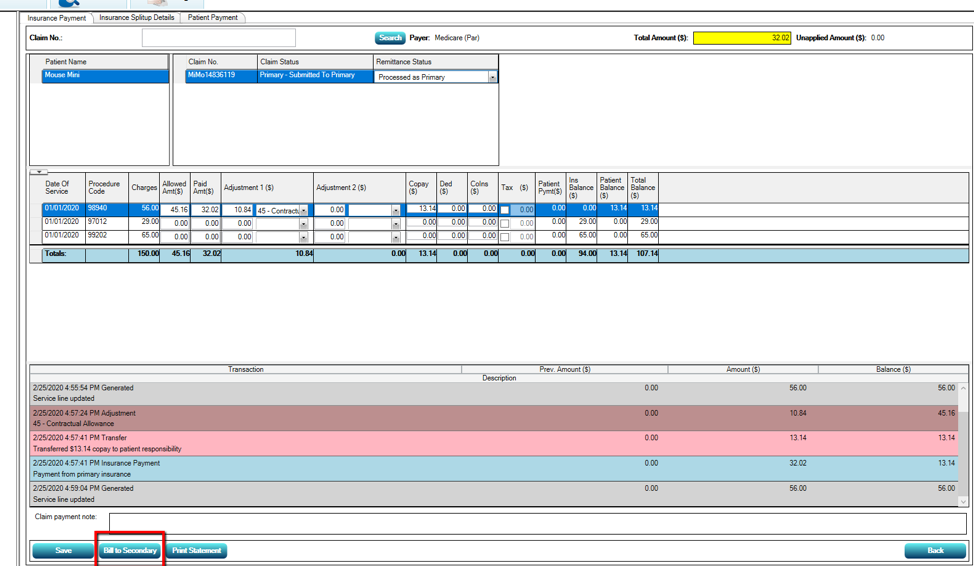
You can then go into the secondary claim generated bucket to get to the secondary claim.
