
From the Functional Preferences menu, select CarePlans.
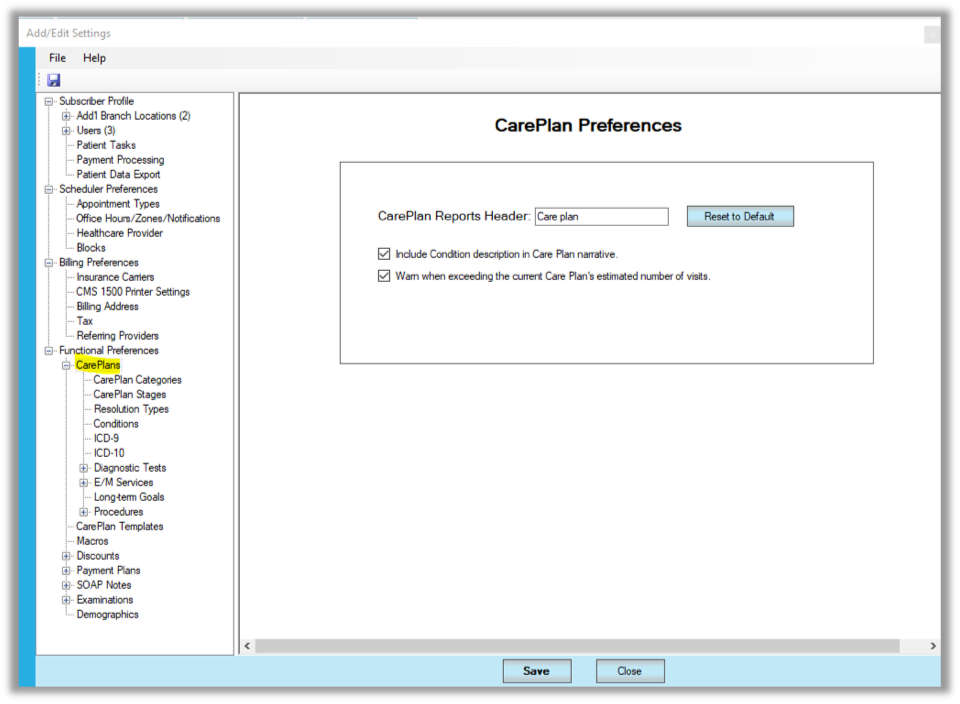
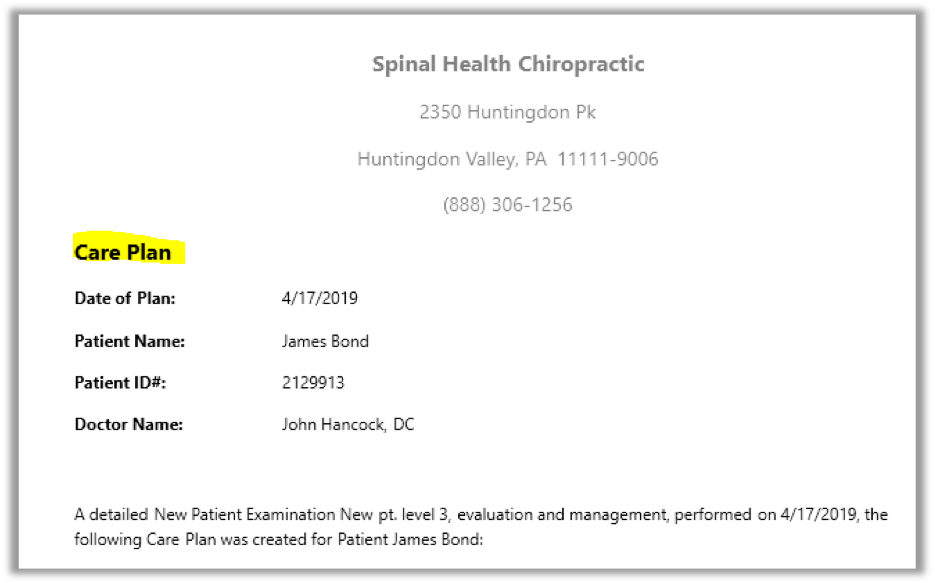
Under CarePlan Preferences, change the CarePlan Reports Header field if you want it to display something other than the default. The CarePlan Reports Header displays at the top of the Care Plan Narrative.
For instructions on using the Care Plan Wizard to create a care plan see https://paydc.com/paydcsupport/documentation/create-care-plan/.
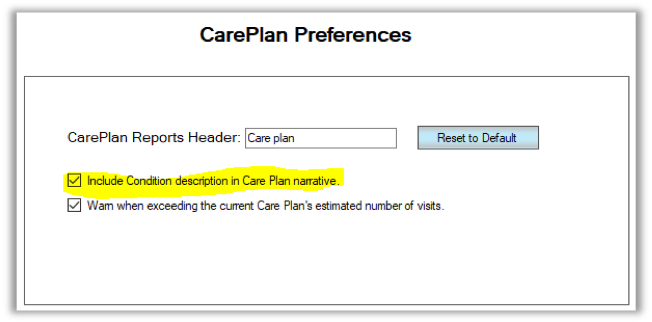
If you want to include the condition description in the Care Plan Narrative, check the first box.
To learn more about Conditions in a care plan, see https://paydc.com/paydcsupport/advanced-settings/functional-preference/care-plan/conditions/.
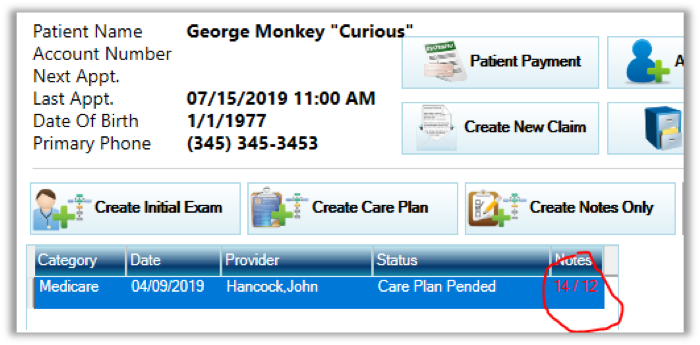
If you want to be warned when a care plan exceeds the estimated number of visits, check the second box.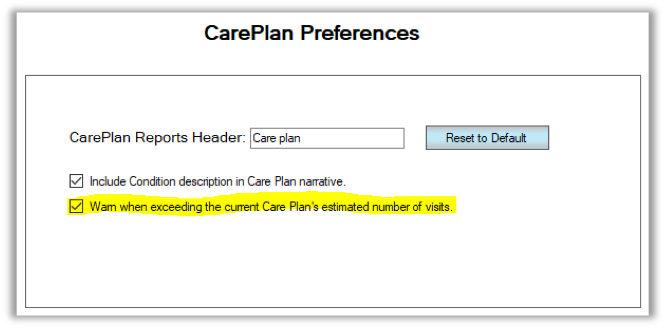
Once this box is checked, a pop up will warn you at the extra visit when you click [Add Notes/Exams] from the Patient Account screen and the visit count will change to red in the workflow.
Why are care plans important?
Care plans are at the heart of the PayDC workflow. They lay the foundation for daily notes, which in turn form the basis for claim creation in the billing module. Federal law, state boards, and individual health plans require providers to create care plans and PayDC was designed to flow smoothly while satisfying these regulatory bodies.
PayDC uses a wizard to guide providers through the steps necessary to either select a pre-existing care plan template or build a new one from scratch. It has built in Medicare guidelines for chiropractic and outpatient rehabilitation so that you don’t have to think about them.
Think of a care plan like a story that tells how the provider will get the patient better. It should start as a best-case scenario, the provider’s ideal path for the patient to follow if everything progresses as expected. The standard format uses stages or phases of care, and the generally accepted approach would move from passive to active, and eventually to wellness care.
With care plan templates the provider can come up with their best protocols for different conditions, or to satisfy different payers, then re-use these templates for future patients with similar presentations. Then these templates can be customized to fit each unique patient. To learn how to create a care plan using the Wizard, see https://paydc.com/paydcsupport/documentation/create-care-plan/.
Use the links to the left to learn how to change the other settings that affect the care plan.
Watch this tutorial to learn how to use the Care Plan settings.